s5 games App – How to Access the Platform on Your Mobile Phone
s5 games runs fully in your smartphone browser — no APK or App Store download needed. This page explains how Filipino players can access all features on Android and iOS, and how to save a home screen shortcut for quicker entry.
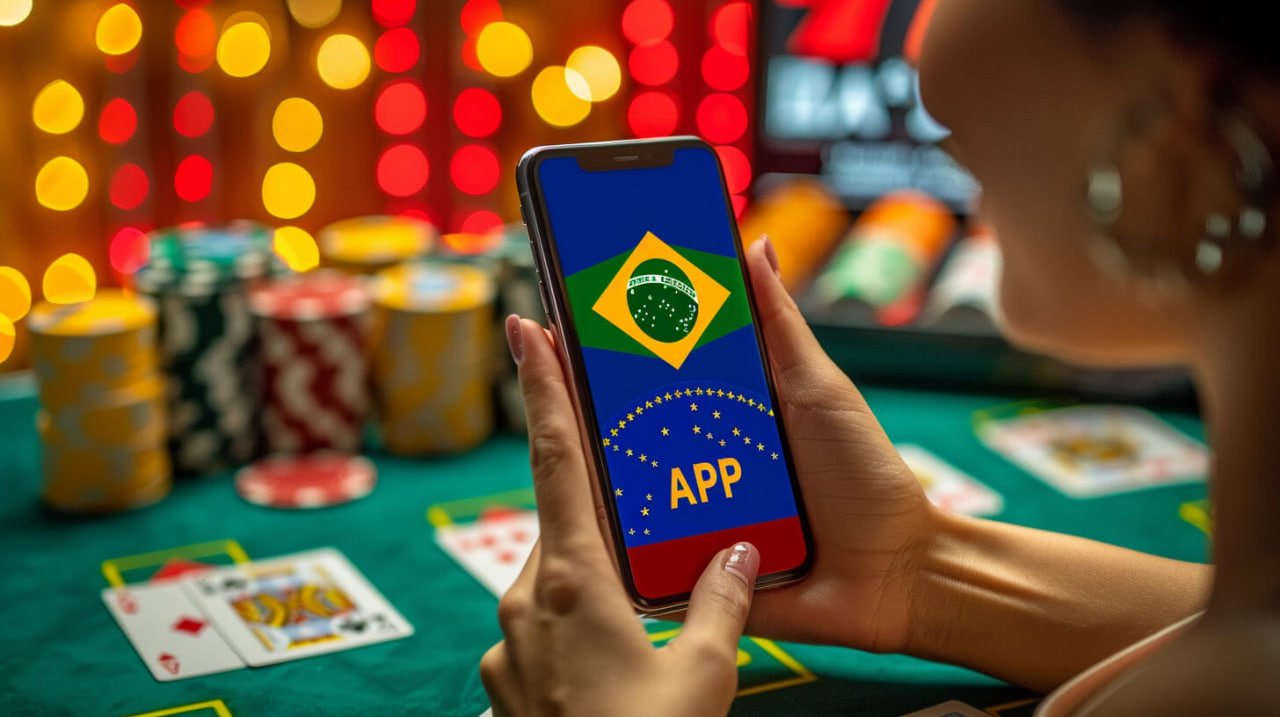
What Does the App Section Actually Mean?
s5 games does not require you to install a separate application from the App Store or Google Play. The entire platform — sports betting, live casino, slots, and fish games — runs directly inside your phone's browser. The App section explains how to access s5 games smoothly on a smartphone, including how to pin a shortcut to your home screen so it feels and behaves like a native app.
This approach means no storage used on your device, no manual updates, and instant access anytime. Filipino players on Android or iOS can log in via any modern browser — Chrome, Safari, Firefox — using their existing s5 games account. If you do not have an account yet, the Register page has the sign-up form.
Why Mobile Access Works This Way
Four things Filipino players should understand about using s5 games on their phone.
Zero Installation Needed
No APK file to download, no App Store listing to find. Open s5games.vip in your browser and you are in. This works on any current Android or iOS device without changing security settings.
Home Screen Shortcut
Both Chrome on Android and Safari on iPhone let you add any website to your home screen. The s5 games shortcut opens full-screen without the browser address bar, giving the look and feel of a regular app.
Full Platform on Mobile
Sports betting, live casino, slot online, and fish games all load on mobile. The Live Casino stream and sports sportsbook are both optimized for smaller screens with touch-friendly controls.
Deposits & Withdrawals on the Go
GCash and local bank transfers work from your phone just as they do on desktop. Transactions are in Philippine Peso (₱ / PHP). No need to switch to a computer for payments.
Setting Up the Home Screen Shortcut
Adding s5 games to your phone's home screen takes under a minute and works on both Android and iPhone. Once added, the icon appears alongside your other apps and opens the site in full-screen mode.
Use Chrome on Android or Safari on iPhone. Make sure you are on the correct URL before proceeding.
On iPhone, tap the Share button at the bottom of Safari. On Android Chrome, tap the three-dot menu in the top right corner.
This option appears in both browsers. Confirm the name — you can leave it as "s5 games" — then tap Add.
Tap the new icon on your home screen to launch. Use your existing credentials on the Login page or create an account if you are new.

Everything Accessible After You Log In
The mobile shortcut gives you one-tap entry to every section on s5 games — no separate apps needed for any of them.
Sports Betting
Basketball, boxing, esports, and PBA — all fully playable from a mobile browser with the same account.
Open Sports SectionLive Casino
Real dealer baccarat and roulette stream smoothly on mobile. A stable connection keeps the video clear.
Go to Live CasinoCasino & Slots
Slot online titles and table games load quickly on mobile data. Touch controls work natively in the browser.
View Casino GamesMobile Access Questions Answered
Common questions from Filipino players about using s5 games on their phones.
Get Started on Mobile Today
Register your s5 games account and access sports betting, live casino, slots, and fish games directly from your phone — no download, no hassle, fully in Philippine Peso.